

OpenIPC Mario AIO
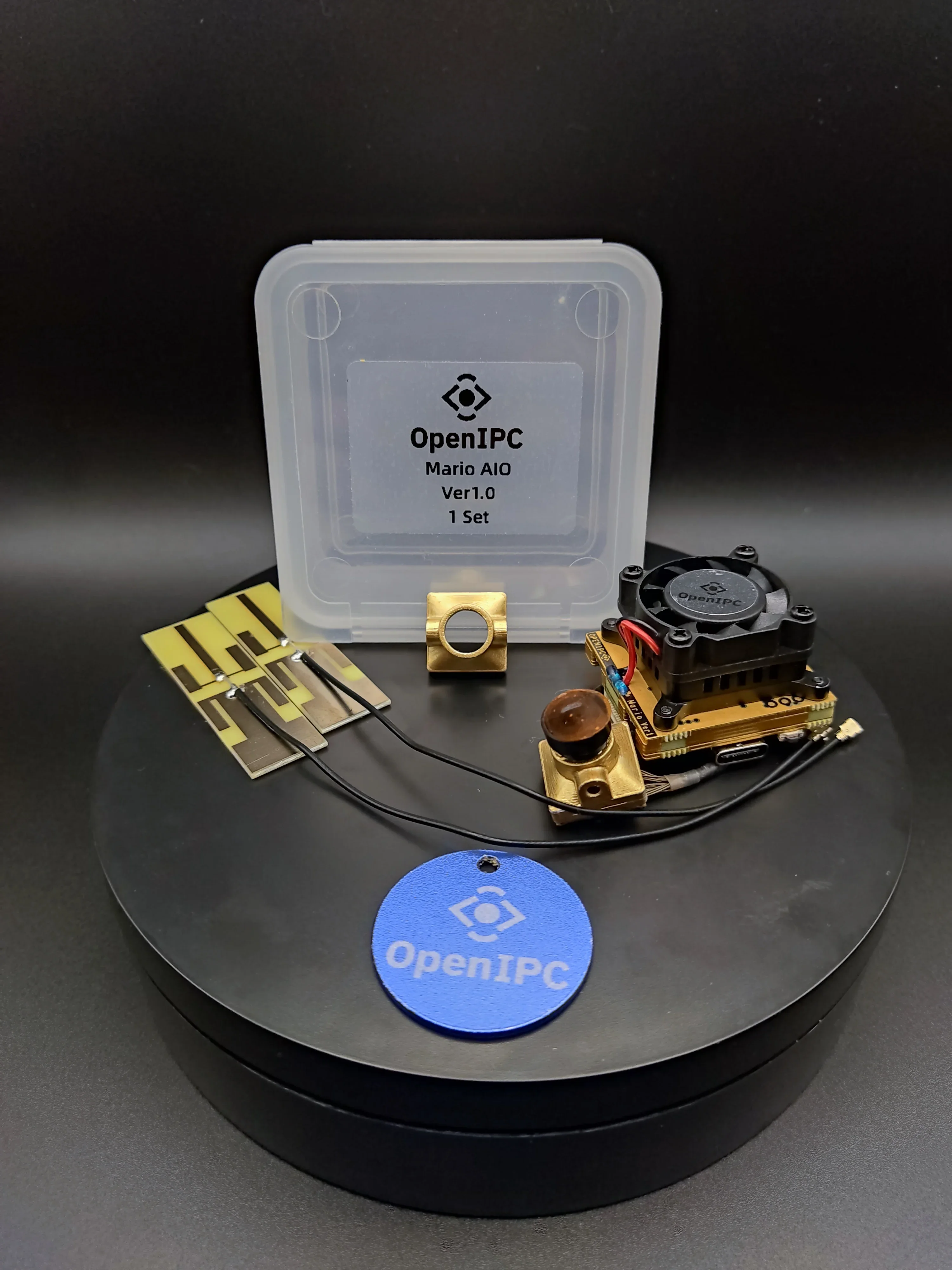
OpenIPC Mario AIO is a compact module for a digital FPV system that combines a camera, a transmitter (VTX) and a system-on-chip (SoC). It is designed for use in drones and other FPV projects, providing high image quality and low video latency.
Key specifications
| Specification | Value |
|---|---|
| Board size | 30×32 mm |
| Mounting holes | 4× M2 |
| Heatsink holes | 20×20 mm |
| Power | 2S–6S LiPo |
| BEC output (RF) | 5V up to 3A |
| BEC output (MSIC) | 5V up to 2A |
| Interfaces | UART, USB, Ethernet |
| SD card support | Yes |
| Cooling | Built-in heatsink and fan |
Power and connection
- Powered by a 2S–6S battery
- For low voltage (2S–3S) it is recommended to connect 4 power wires through a separate connector — more current is required.
- For 4S and above you can use the standard 2-wire connection.
- To lower the minimum supply voltage to ~5.4 V you can remove two resistors on the board.
UART pads and entering U-Boot
To enter U-Boot boot mode (debug mode) use the UART:
R0 / T0 — pads on the top of the board.
LED indicators
- Red blinking — battery power is on
- Red solid — Ethernet/USB connection
- Blue blinking — RF transmitter active
- Green — TBD (not implemented or changing)
Connecting to the flight controller
To connect the Mario AIO to a flight controller (e.g. SpeedyBee F405 WING) use the following connections:
- GND → GND on the controller
- VCC → VCC (check voltage compatibility)
- RX → TX on the controller
- TX → RX on the controller
⚠️ Before powering on, make sure all connections are correct.
Setup and firmware update
Connecting via USB
- Connect the Mario AIO to your computer with a USB cable.
- If the device is not recognized, install the corechip-sr9900 driver.
- Configure the USB network adapter:
- IP address:
192.168.1.11 - Subnet mask:
255.255.255.0
- IP address:
- Connect to the Mario AIO via SSH:
- IP address:
192.168.1.10 - Login:
root - Password:
12345
- IP address:
Updating the firmware
- Download the Multiplatform Configurator.
- Firmware - OpenIPC - MarioAIO - click Update.
⚠️ Before updating the firmware it is recommended to back up your settings.
RF settings
- Maximum RF power: 18 dBm
- Recommended settings:
stbc=1,ldpc=1mcsindex: 1 or 3- Video bitrate: 4096 / 8192 / 12688
⚠️ It is recommended to limit Txpower to 1 when powering via USB only.